
Connect to CORE entities
Associate forms with Individuals, Households, Collectives, Facilities, Projects, Activities or Activity Implementations.
CORE / Forms & Assessments
Use XLSForm-based Forms and Assessments to capture programme-specific information while keeping it connected to CORE’s shared operational structure.

Field-ready collection
CORE supports forms and assessments as part of day-to-day programme work. This helps teams collect rich information in the field while keeping the result linked to the participant, implementation or service it belongs to.
01 / A common standard
CORE uses XLSForm, the same open form standard widely used with Kobo and ODK. Existing XLSForm knowledge and resources can therefore be reused rather than recreated around a proprietary form language.
Associate forms with Individuals, Households, Collectives, Facilities, Projects, Activities or Activity Implementations.
Capture assessments, implementation data, follow-up and programme-specific information.
Use a dedicated form to extend an Activity Implementation with structured contextual data.
Use a familiar standard across field data collection and CORE.
02 / Flexibility without fragmentation
Not every information need should change the common data model. CORE offers several levels of contextualisation.

The shared foundation of the model.
Recurring contextual information can extend relevant entities while preserving the common structure.
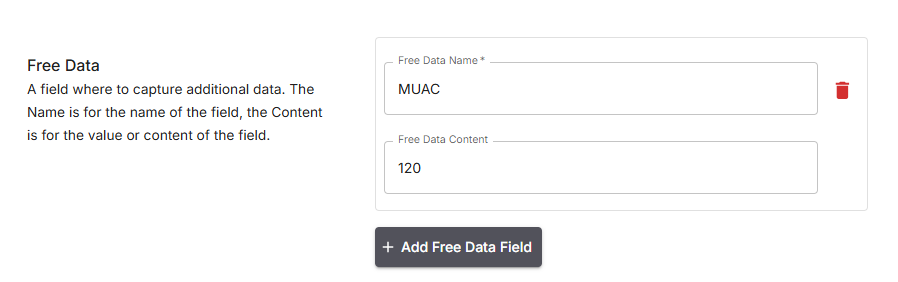
Add a field and value to a specific Participant or Activity Implementation when information is exceptional or record-specific.
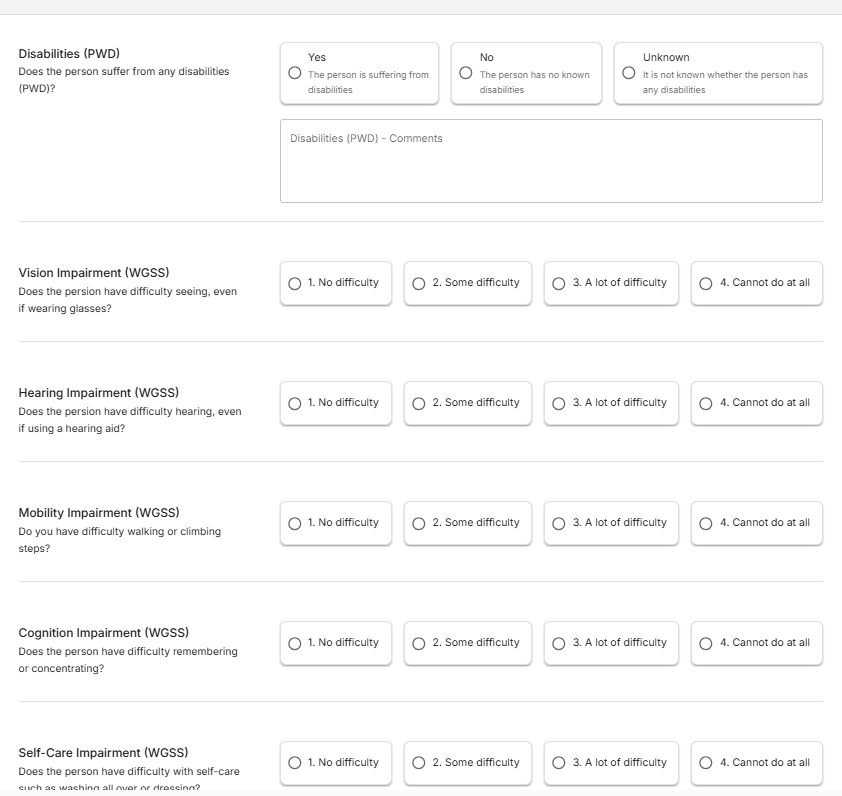
Use XLSForm for more complex structured data collection.
03 / Practical data collection
Forms can support operational collection needs including participant signatures. Through Kobo, a participant can sign directly on a phone or tablet using the signature field; an image can also be stored where appropriate.

Capture a signature through the Kobo signature field using finger or stylus.
Store an image when that is the appropriate way to retain the information.
Reuse or clone forms instead of rebuilding recurring structures.
Kobo / ODK → XLSForm → CORE → downstream analysis and reporting.
Read the CORE approach